How to Batch Resize Images Without Stretching Them
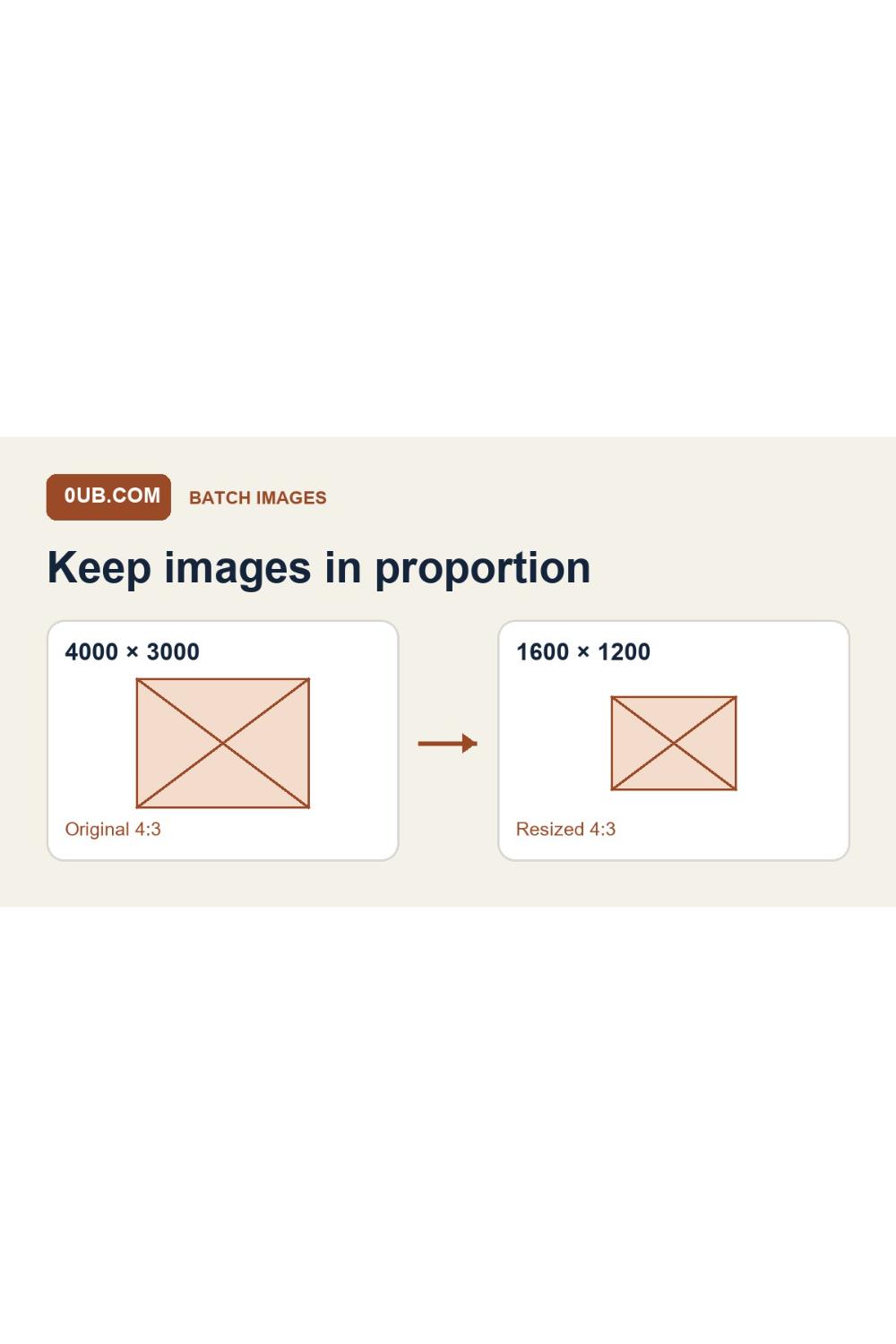
Choose fit, crop, or padding for batch image resizing and keep product photos in proportion across mixed dimensions.
Quick answer
To batch resize images without stretching them, lock the aspect ratio and apply the same scale to both dimensions. If you need every output to have the same canvas size, use crop or padding. Test one wide and one tall image before running the full batch.
Set a bounding box when dimensions can vary
Fit mode scales each image to stay inside the maximum width and height. A 4000 by 3000 photo fitted into a 1600 by 1600 box becomes 1600 by 1200. A 3000 by 4000 portrait becomes 1200 by 1600. Both images keep their original proportions. Use this approach for galleries and uploads that set maximum dimensions but accept different shapes.
Crop or pad when every output needs the same size
Crop fills the target frame by removing some of the picture. Check the framing on close-up products and images with text near an edge. Padding keeps the whole picture and fills the unused space with a background. For example, the fitted 1600 by 1200 landscape needs 400 extra pixels of height to make a square. Centered padding adds 200 pixels above and below.
Set up a small batch test
Use a portrait, a landscape, and one image smaller than the target. If the tool offers an option to prevent enlargement, turn it on for small originals unless the destination requires otherwise. Export to a separate folder so the source files stay available. Check the dimensions in file properties and compare recognizable shapes such as circular logos or square boxes.
Check filenames and framing before uploading
Preserve SKU identifiers and add a short suffix if you need multiple sizes. Review several outputs at their actual display size. Switch from crop to padding if subjects get cut off, and keep the same background choice for the whole product group.
Related guides
- Why a fit-inside image can be smaller than your target box
- Crop or white padding? Keep the whole product in view
Prepared with AI assistance and reviewed against documented tool features; no firsthand testing is implied.