DOCX to PDF: check headers, footers and page numbers before sharing
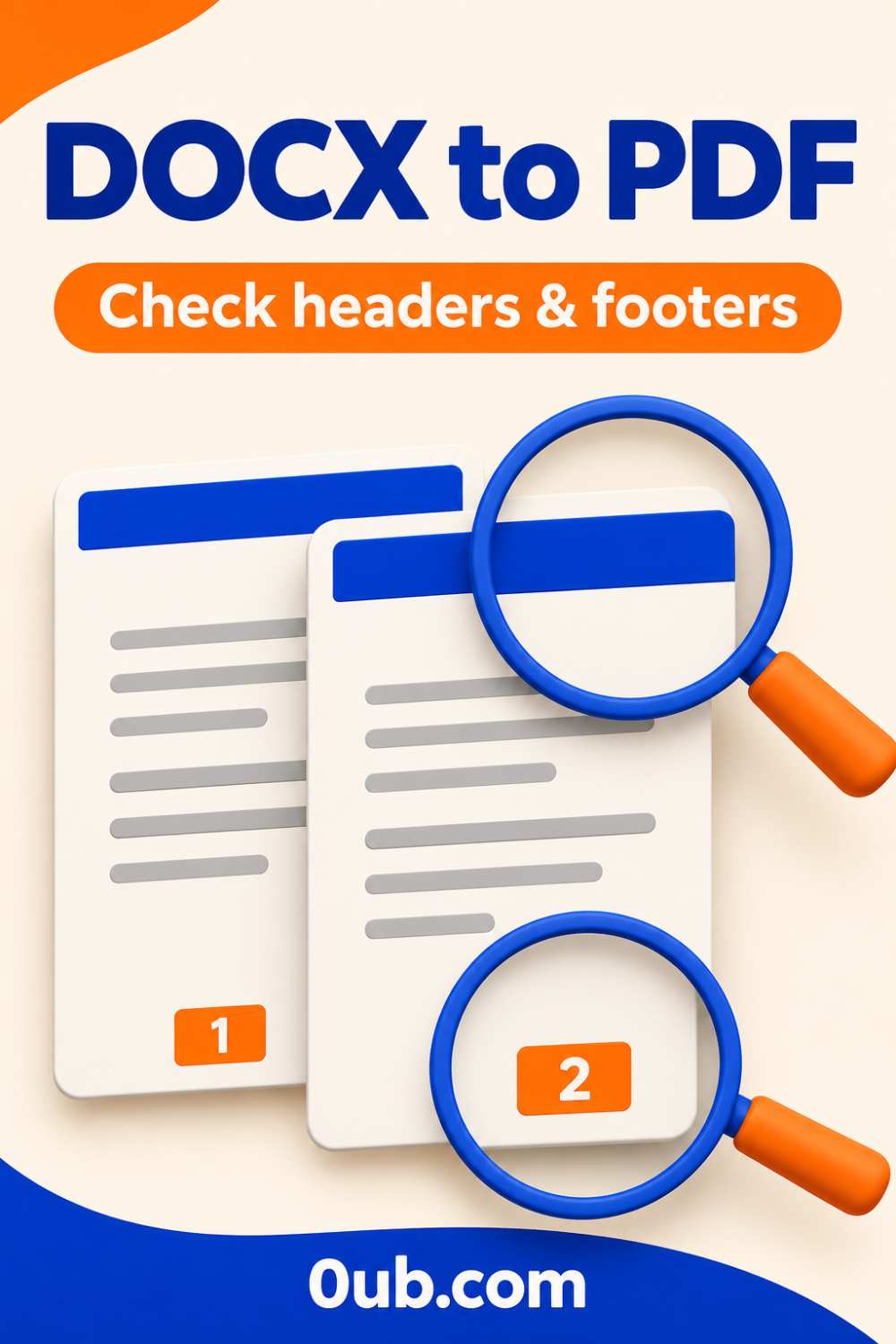
Review repeated titles, footer details and page numbers in a converted PDF. Learn when simple DOCX conversion is suitable and when native PDF export is a better fit.
Will a simple DOCX conversion preserve headers and footers?
Do not assume that it will. The 0UB Word to PDF tool reflows simple DOCX content into a rendered PDF; exact pagination, headers, footers and complex document features are not guaranteed. If a repeated title, page number or footer notice is essential, use a suitable source application PDF export and inspect the result.
Before converting, decide which information must appear and where readers need it. A visible body paragraph, a Word header and an automatically generated page-number field are different document elements. A converter that handles the main text should not automatically be assumed to reproduce all three in the same way.
Check what the document relies on
Consider a short workshop booklet with a session title at the top, a contact address at the bottom and numbered pages. Make a small checklist of these elements in the source document. If the booklet has different sections, note any change in the repeated title or numbering sequence.
Keep the editable DOCX as your reference. For a simple handout, consider placing essential instructions or contact information in the main text as well, where appropriate. That makes the content easier to understand independently of a repeated footer, although it does not guarantee that a particular conversion will preserve the layout.
Inspect the first, middle and last pages
Open the actual downloaded PDF and review the page edges as well as the body text. Inspect the first page, a middle page and the last page, then check every page where a source section changes. Look for missing titles, clipped footer text, unexpected blank space and incorrect or absent page numbers.
Compare the visible wording with the source. Do not infer correctness simply because a number appears at the bottom: the first page might start at a different number, or a sequence might restart between sections. For a short document, reading every page is often more useful than relying on a few thumbnails.
When should you switch export methods?
If the document depends on accurate repeated elements, use Word or another suitable authoring application to export a PDF from the approved source. Review the available export settings and repeat your checks on that output. Native export is an alternative to evaluate, not a reason to skip inspection.
Choose a clear final filename and open that final copy once more before sharing it. Check body layout and intended links alongside headers and footers. The aim is a readable document with the required information, not simply a file carrying a PDF extension. Keep the editable original for later corrections.
Related guides
- DOCX to PDF: what to check before sharing
- A4 or Letter? Prepare a simple DOCX for PDF sharing
- Check the last page before sharing a converted DOCX PDF
Prepared with AI assistance and reviewed against documented tool features; no firsthand testing is implied.