Why a JPG Looks Sideways After Upload and How to Fix It
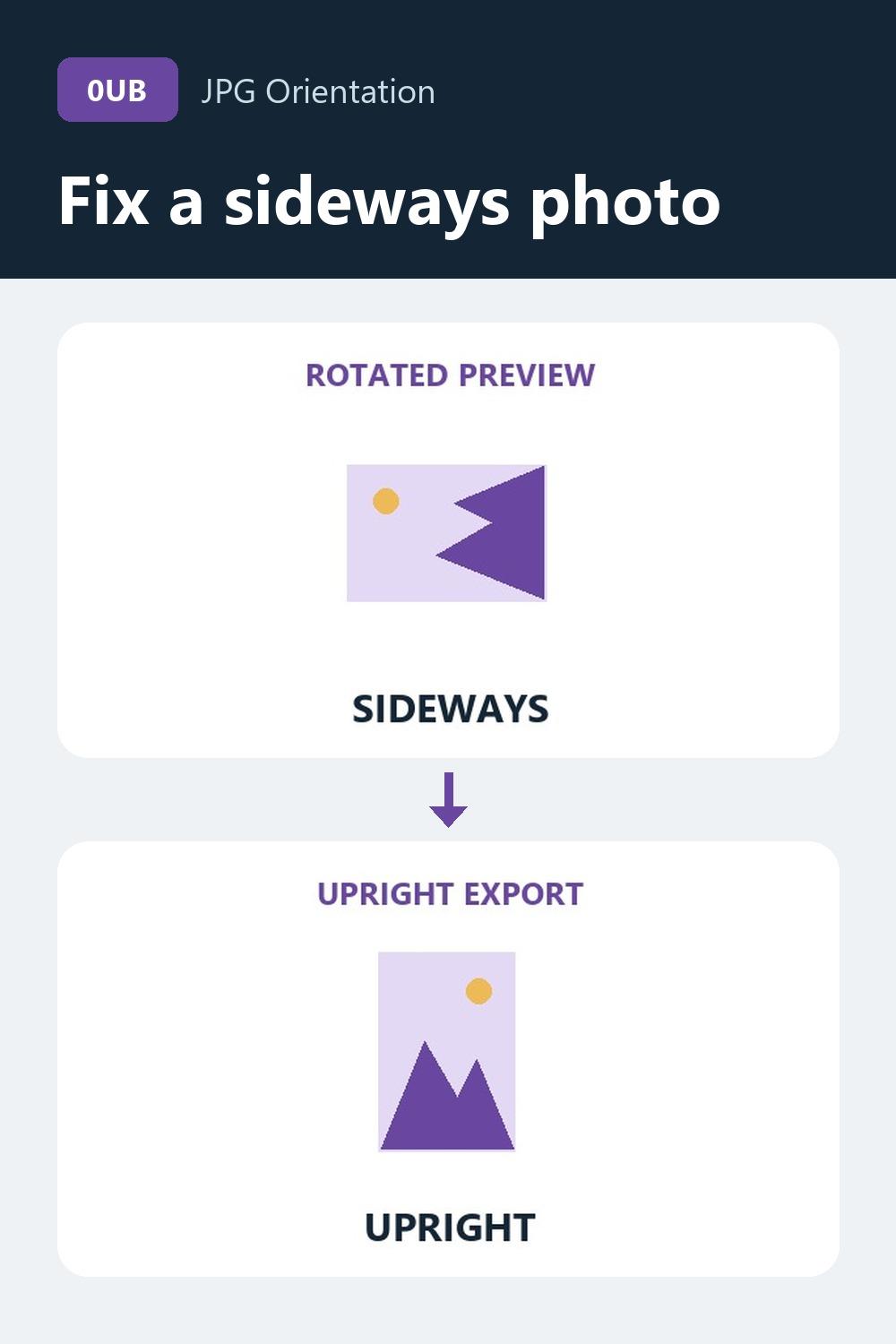
Find out why a JPG can display upright on your computer but sideways on a website, and test a copy with the correct orientation.
Why does a JPG look upright in one app and sideways in another?
A camera can store the image pixels sideways and put an orientation instruction in the EXIF metadata. Some viewers use that instruction to display the photo upright. An upload or thumbnail workflow may strip or ignore it, exposing the underlying sideways pixels. This is one common explanation when the same JPG looks different in two places.
How to fix a sideways or upside-down JPG
Open the original in an image editor that can export the visible orientation into the image pixels. If the editor already shows the photo upright, check the export first. If it shows sideways, rotate it by 90 degrees in the correct direction. Export a new JPG with the orientation applied. If the editor offers an option to discard metadata, use it only after the orientation is applied and if you do not need other metadata. Keep the original so you can start over without repeatedly recompressing the same JPG.
Test the fix on the destination website
Give the test copy a new filename, open it in a browser, and upload it to the same site where the problem occurred. Check the uploaded thumbnail and full-size view. For a portrait photo you expect to be 3,000 × 4,000 pixels, checking the exported dimensions can help confirm the image is physically taller than it is wide. The visible orientation is still the decisive check. If the old preview persists, try the new filename and a fresh view before rotating the photo again.
What if several images are affected?
Start with one landscape and one portrait file from the same source. Once both look right after upload, use the same export settings on the rest of the set. Compare the resulting previews before replacing any live product photos.
Related guides
- Check portrait photo orientation after HEIC to JPG conversion
- How to Convert HEIC to JPG and Keep the Same Pixel Dimensions
Prepared with AI assistance and reviewed against documented tool features; no firsthand testing is implied.