A HEIC conversion stalled? Retry a small, controlled batch
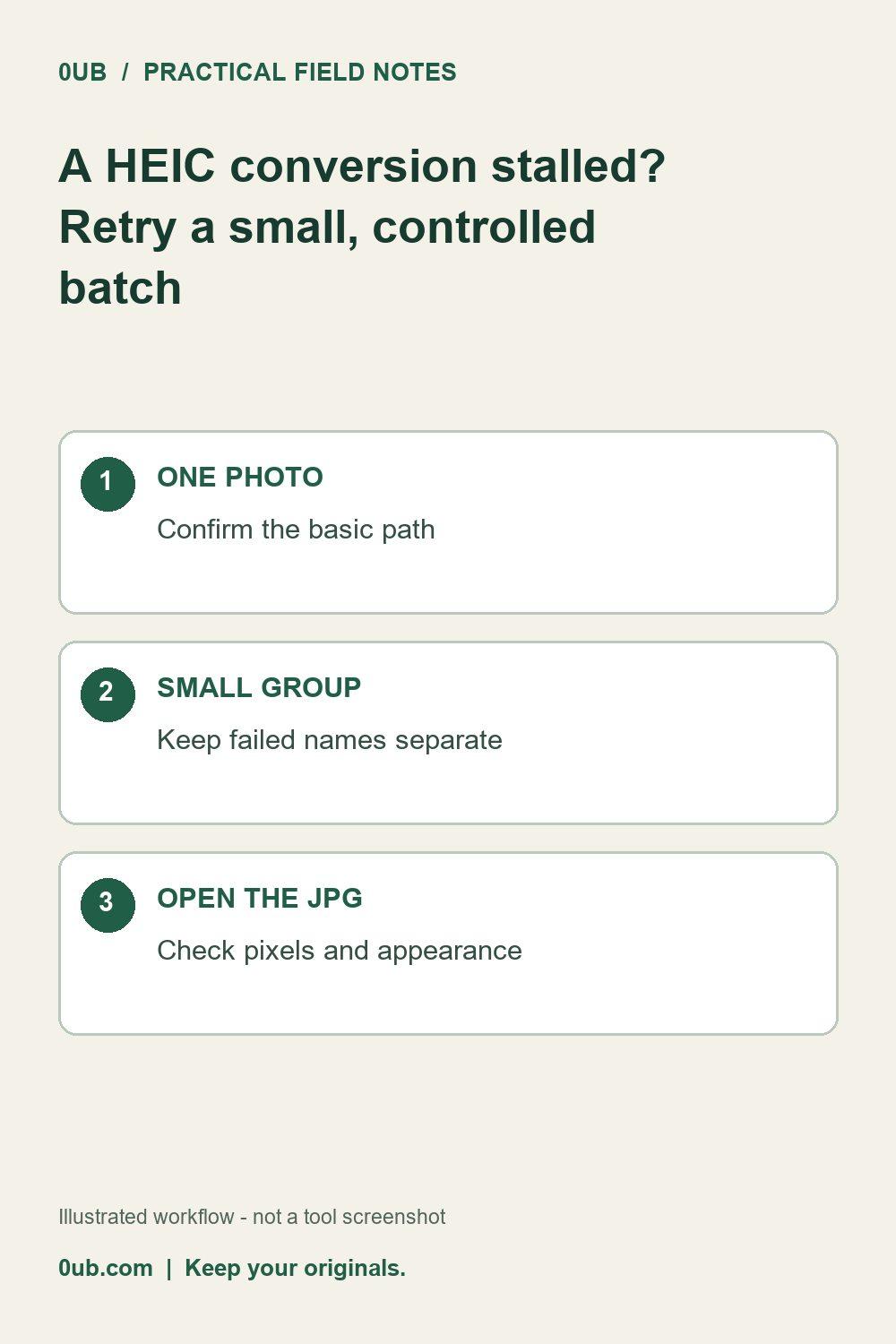
Use a simple troubleshooting sequence to isolate a difficult photo without repeatedly rerunning your entire selection.
Keep the originals and isolate the failure
If a conversion stops or an individual photo fails, keep the HEIC originals unchanged. Note the filename mentioned by the tool rather than renaming every file or repeatedly submitting the whole selection. A smaller retry makes it easier to tell whether the issue belongs to one photo or to the browser session.
Change one condition at a time
Try one ordinary photo first. If it converts, try the difficult file by itself. The 0UB image tools have a 40-megapixel image limit; an oversized image may be rejected even when the file size looks modest. Decoding also uses browser memory, so a smaller selection can reduce the amount of work the browser handles at once.
The conversion runs in the browser. A failed file does not mean an email attachment has been sent or that a server will finish the job later. Save any completed downloads before refreshing the page, and keep a separate list of files that still need attention.
Verify the result before replacing a workflow
Open the exported JPG and check that it is the intended photo, appears upright and has enough detail for its purpose. Converting to JPG does not promise to preserve every HEIC feature or item of metadata. Keep your original when motion, editing history or other source information matters.
If the same file keeps failing, try an export from the photo application that can already open it. Do not assume every HEIC variant will behave identically. Basic single-image conversion remains free; advanced batch and ZIP downloads require Pro. Start with the free single-file path when investigating a problem, then scale up once the sample works.
Related guides
- Prepare HEIC photos for email without losing your originals
- HEIC to JPG: a simple photo sharing checklist
Prepared with AI assistance and reviewed against documented tool features; no firsthand testing is implied.