Check the offer before you export a product graphic
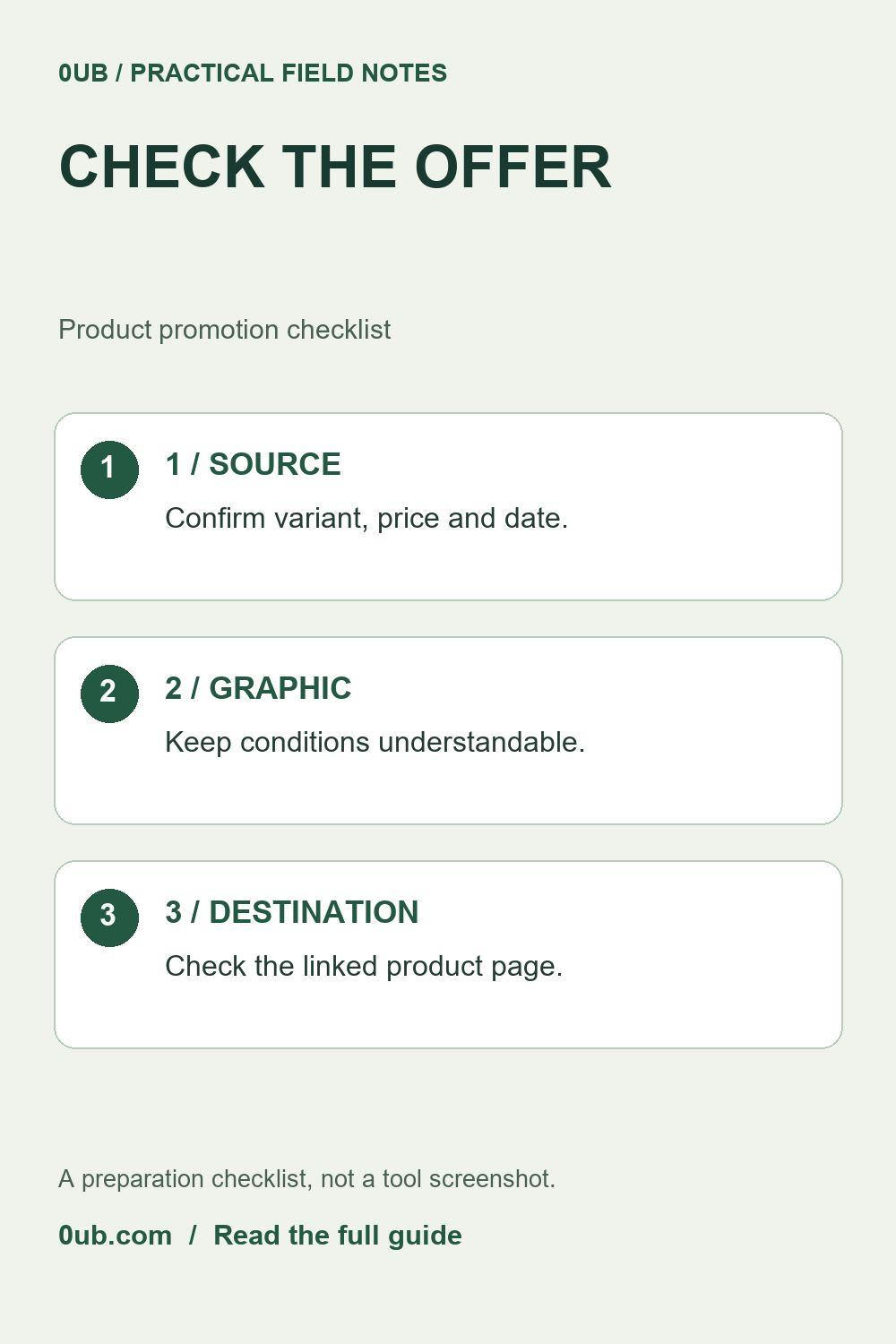
A polished product image can still carry an outdated price or unclear offer. Use a source-and-date checklist before sharing promotional graphics.
Keep the design and the offer connected
A product graphic can be visually clear and still mislead a reader if its price belongs to another variant or an expired promotion. Before designing, open the actual destination page and identify the product, selected variant, currency and current offer. Use that page as your reference rather than an old screenshot.
Write a short source note outside the graphic: product URL, date checked, variant and any relevant conditions. This is an editorial record, not evidence of a personal product test. Do not turn a seller's claim into a statement that you have independently verified performance, popularity or savings.
Decide whether to display a price
Only include a price when you can describe it accurately and keep the graphic current. Check whether a coupon, membership, quantity, location or selected option changes the amount. If the conditions are too complicated for the available space, a neutral call to action such as “View current options” may be clearer than a large price with unreadable qualifications.
Avoid adding “best price,” “guaranteed savings” or a countdown without reliable support. If shipping or other charges are separate, do not imply the displayed product price is the complete delivered total. Product graphics should help someone reach an informed decision, not conceal a condition behind attractive typography.
Build one sample in the graphics studio
Open the Product graphics studio and prepare a single sample with an image you are permitted to use. Keep the headline focused on the item and add concise supporting text. Use the price field only after the source check. Confirm that the photograph, title and offer all describe the same variant.
Inspect the exported graphic at a phone-sized view. Check whether important qualifications remain understandable and whether the action text matches what happens after a click. A graphic is a static export; changing the product page later does not update images you have already downloaded or posted.
Review CSV rows before producing more images
For a CSV batch, compare each title and image filename with the matching product. Review optional price and brand values row by row rather than assuming that correctly matched filenames also guarantee correct offer data. Start with one row before producing the full set of sizes.
Finally, open the destination URL and confirm it leads to the intended item. If you use an affiliate link, disclose the commercial relationship clearly where you publish it, according to the destination's rules. Keep a list of posts that use time-sensitive offers so you can revise or remove outdated graphics. This checklist does not validate external prices automatically or replace a final human review.
Related guides
- Shorten product headlines before exporting social graphics
- Make product graphics in three sizes from a CSV
Prepared with AI assistance and reviewed against documented tool features; no firsthand testing is implied.