How to Write Alt Text for Product Photos and Graphics
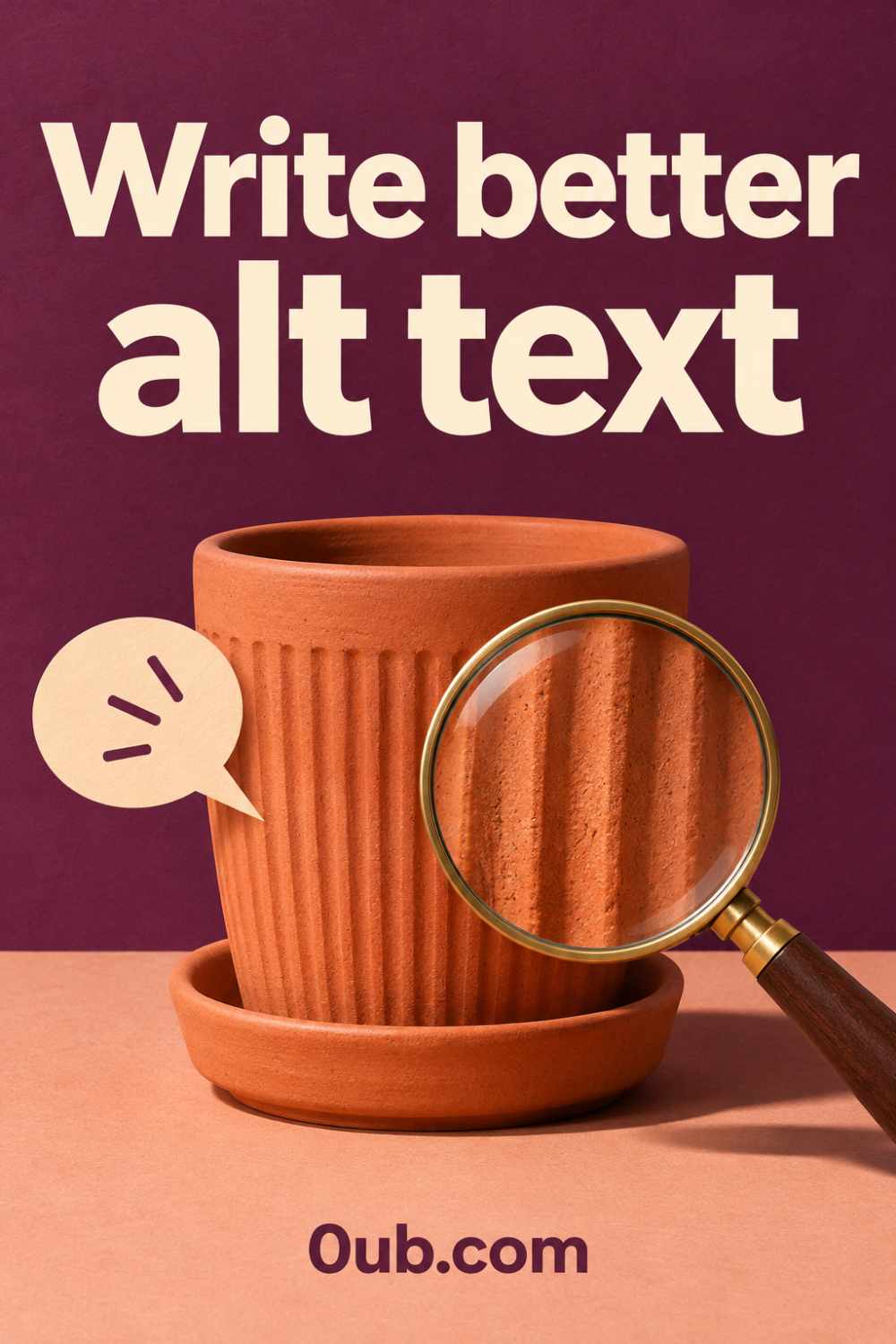
Write concise product image descriptions that explain what buyers need to know. Use examples for color variants, detail photos and promotional graphics.
What should product image alt text say?
Describe the useful information shown in that specific image. Name the product and include a visible detail when it helps a reader distinguish a variant, view or feature. For example, “Terracotta planter with vertical ridges and matching saucer” tells a reader more than “Product photo” or a list of repeated keywords.
Write for the image's role on the page
A main listing photo may show the product's color and overall shape. A second photo might show a drainage hole or a closure from another angle. Give each meaningful view a description that explains what is different. Use only details supported by the image and verified product information. A photo alone usually cannot establish an exact material or size.
If an image only decorates the layout and provides no information or function, an empty alt attribute lets assistive technology skip it. If the image is the only content inside a link, give it a name that explains where the link goes or what it does.
Put essential offer text on the page too
Suppose your promotional graphic has a photograph of the planter and the words “Saucer included.” Place that offer in the surrounding page text where people can read, select and translate it. Use the image description for the relevant visual information. If important text appears only in the image, provide its meaning in the text alternative.
Add alt text when you publish
Use the product graphics studio to export the graphic, then enter the alt text in your website or listing editor. Image filenames and text drawn on the graphic do not create an HTML alt attribute. Preview the published listing and check that each image's description matches the actual photo, particularly after swapping colors or replacing an image in a batch.
Related guides
- Match each product variant photo to its promotional copy
- Product graphics: check logo readability at the final display size
- Leave safe margins around text in product graphics
Prepared with AI assistance and reviewed against documented tool features; no firsthand testing is implied.