How to Align Product Photos Across a Listing Image Set
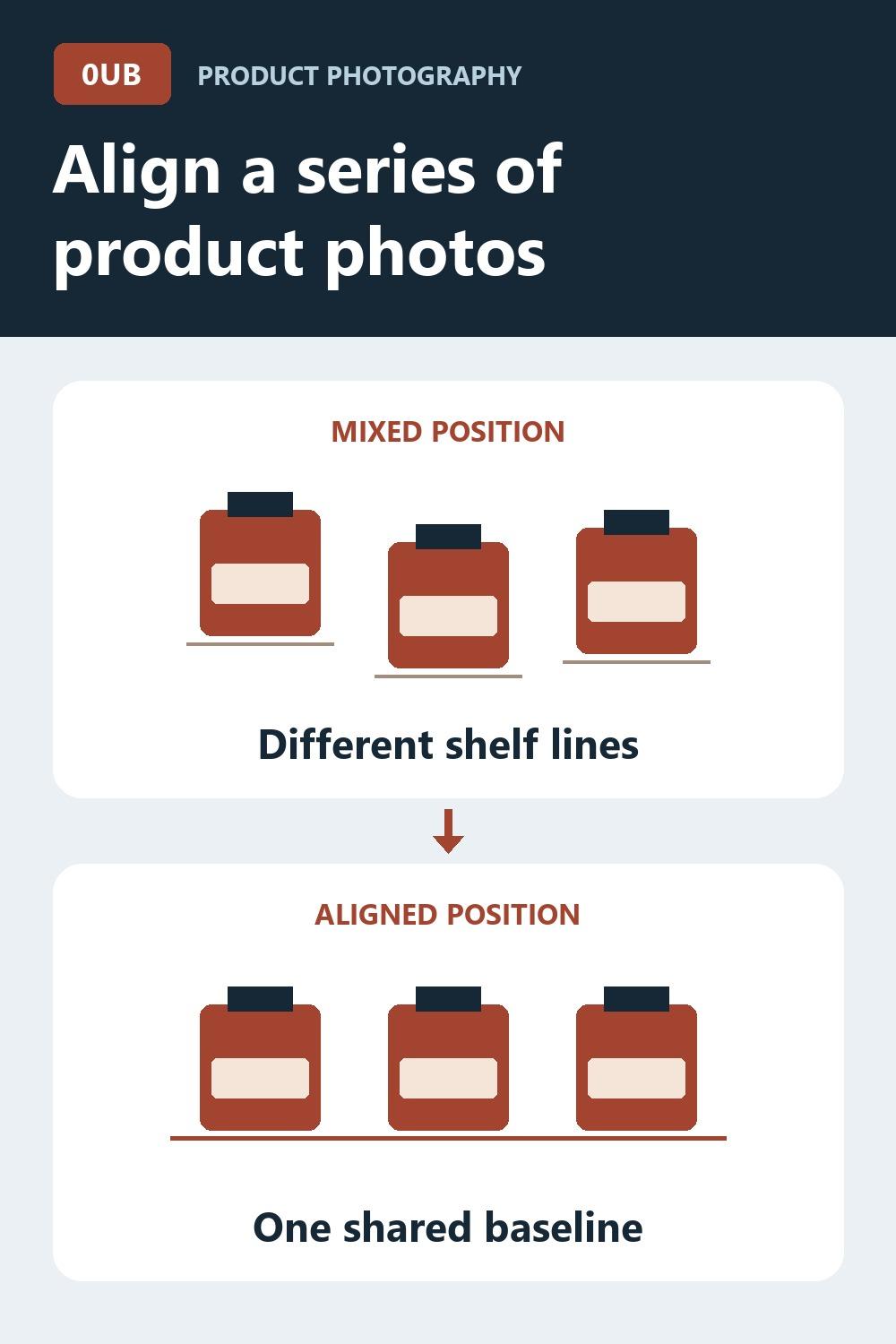
Use a shared baseline and a consistent crop to align product photos across variants while preserving real size differences when they matter.
How do you align product photos across a listing?
Use a shared canvas size, a common product baseline, and one alignment point for all the images in the series. For a row of bottles, align the bottoms of the bottles instead of the lower edge of each photo. Set the horizontal position with a center guide. Compare the finished images side by side because a position that looks fine on its own can jump when a shopper switches variants.
Example: align three colors of the same bottle
Start with a 1,200 × 1,200 pixel canvas. Place the bottle bottoms on a guide 1,000 pixels from the top and center each bottle at x = 600. If all three bottles are the same actual size, choose a consistent height such as 760 pixels from base to cap. Keep the proportions fixed. If a soft shadow extends below the bottle, align the physical base and leave enough room for the shadow so it does not get cropped.
Should different product sizes fill the frame equally?
Decide what the images need to show. If customers are comparing the true size of a 250 mL bottle and a 500 mL bottle, keep the same photo scale or provide a dimension reference. If each product needs its own detail image, crop those separately and keep one comparable group or variant view for context. A uniform canvas can coexist with different product heights.
Check the whole set before uploading
Make a contact sheet and inspect the base line, horizontal positions, shadow edges and label visibility. Match each image filename to the relevant variant before uploading. Then switch between variants on the live listing preview to catch positioning shifts or unexpected platform crops.
Related guides
- Review a set of product graphics with a simple contact sheet
- Match each product variant photo to its promotional copy
Prepared with AI assistance and reviewed against documented tool features; no firsthand testing is implied.