Why image export names change: check duplicates before sharing
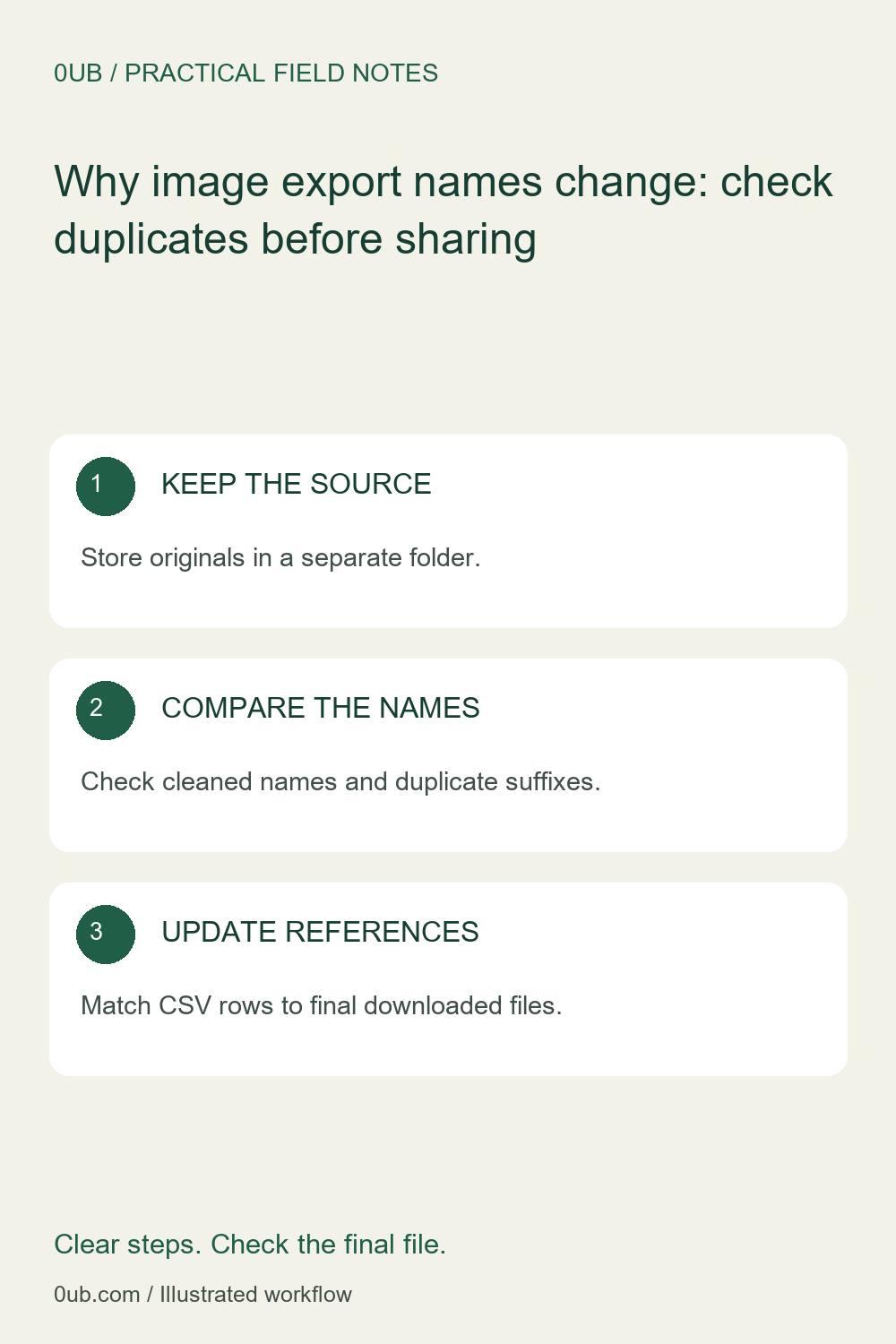
Understand cleaned filenames and duplicate suffixes, then keep a reliable source-to-export mapping for a product image collection.
Begin with a small naming sample
Two photos can have different source names yet produce similar export names after spaces or unsupported characters are cleaned. Before processing a collection, choose a few representative images and note their exact filenames, including extensions. Include any names that differ only by punctuation or capitalization.
Keep those originals in a separate folder. Save the sample exports into an empty review folder so that older downloads cannot be mistaken for new results. Single-image processing is free; multi-image processing and ZIP downloads require Pro access.
Understand what the tool changes
With the prefix left blank, the 0UB batch image studio uses a cleaned source filename. Unsupported filename characters are replaced, and the export extension reflects the chosen format. When two outputs would share the same name within a conversion run, the tool adds a suffix to keep them distinct.
A custom prefix instead creates names with sequence numbers. This is useful for a coherent collection, but the sequence is a naming choice, not a product identifier. Keep a simple note connecting each source photo to its exported name when that relationship matters.
Reconnect the next workflow
Open the downloaded files and compare both their names and visible contents with your note. Do not infer that a suffix proves a photo was duplicated: it can resolve a naming collision between different sources. Also avoid assuming that separate conversion runs coordinate their names with earlier downloads.
If you will use the images in a product-graphics CSV, update the image column to match the final local filenames exactly, including the extension. Try one row before preparing the full collection. Use the related ZIP checklist to check output counts and appearance before sharing the finished folder.
Related guides
- Before you share an image ZIP: a practical handoff checklist
- Fix CSV image filename mismatches before batch export
Prepared with AI assistance and reviewed against documented tool features; no firsthand testing is implied.