Before you share an image ZIP: a practical handoff checklist
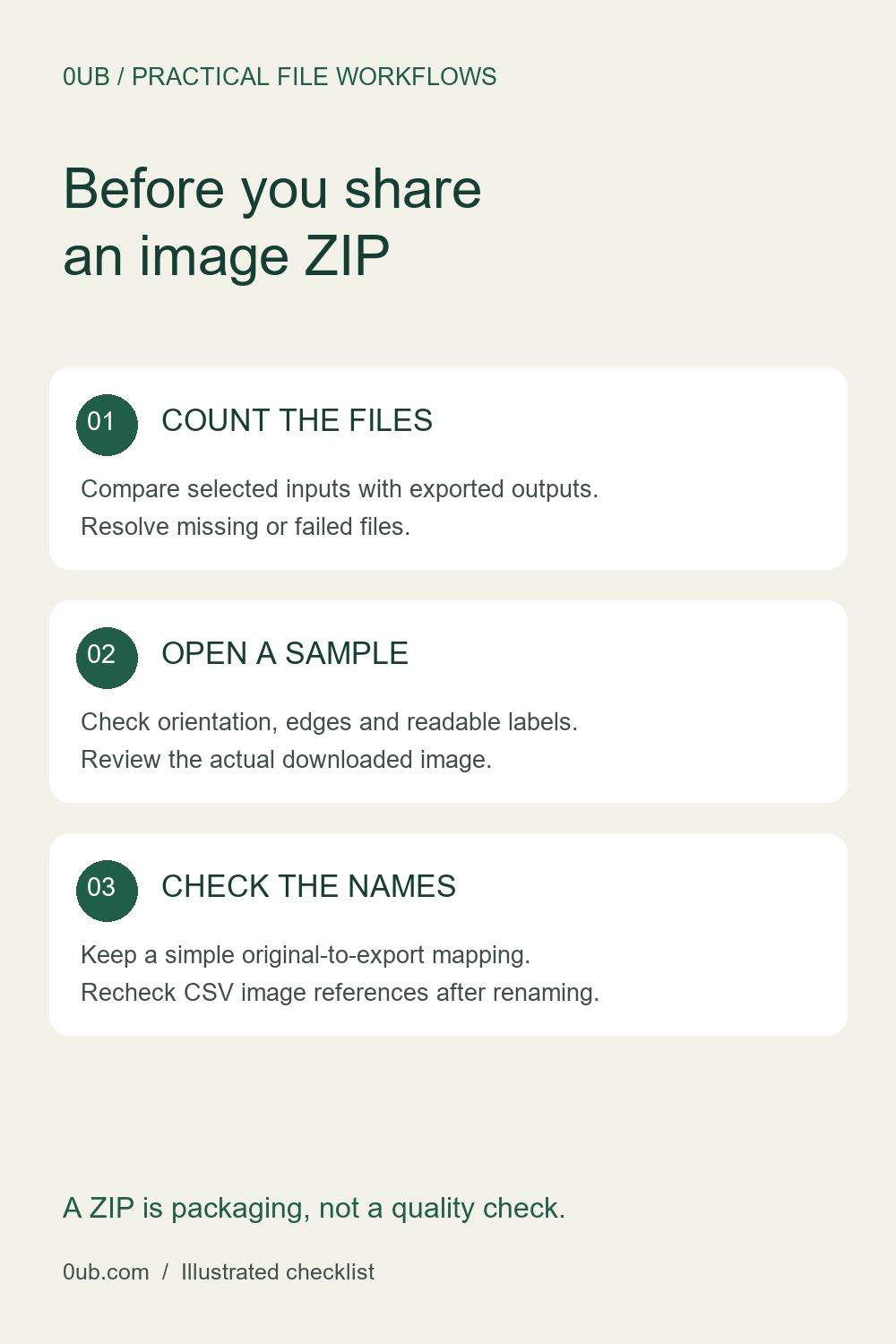
Check file counts, image appearance and filenames before sending a batch export. A short review helps catch missing images and confusing handoffs.
Treat the ZIP as a package, not a quality check
A ZIP puts exported images in one download. It does not tell you whether every source converted successfully, whether the crop suits your product, or whether the filenames will make sense to the recipient. Before sending a batch to a colleague or using it in another tool, extract the archive into a new folder and review what it contains.
Keep your original photos separately. Use an export folder with a clear purpose, such as catalog-jpg-review, so working copies cannot be mistaken for originals. The illustrated checklist above covers three checks: count, appearance and names.
Compare the selected inputs with the results
Note how many images you intended to process. Compare that number with the successful outputs and any failure messages shown by the tool, then count the image files in the extracted folder. Do not assume a completed download means every selected input produced an output.
If the counts differ, identify the missing source before repeating the whole batch. Retry a small selection and inspect the result. The 0UB image workflow accepts up to 50 selected images with a 20 MB limit per file; a smaller batch can make a failed item easier to isolate. ZIP and batch features require Pro access.
Open the actual downloaded images
Open a few extracted files, including one portrait image, one landscape image and any photo with important details near its edges. Check orientation, readable labels and the full outline of the product. A preview helps, but the downloaded file is the version that will be shared.
Check pixel dimensions against your intended use. White padding and center crop target exact dimensions, while fit inside can produce a smaller image and does not enlarge a small source. If a label or product edge disappears after cropping, choose a different framing method and export that image again.
Make the filenames useful to the next person
Check that filenames remain distinct and understandable. If you used a prefix and sequence numbers, keep a short mapping between source names and final exports. Renaming can make a folder tidier, but it can also break a spreadsheet that still refers to the old image names.
For a later product-graphics CSV, match its image entries to the actual final files, including the extension. Add a brief handoff note explaining the format, intended dimensions and anything still awaiting review. Send only the reviewed export folder, keep the originals, and use the related guides below for naming and CSV preparation.
Related guides
- Organize product image exports before making social graphics
- A repeatable size and naming workflow for product images
- Fix CSV image filename mismatches before batch export
Prepared with AI assistance and reviewed against documented tool features; no firsthand testing is implied.