HEIC to JPG: why renaming the extension does not convert a photo
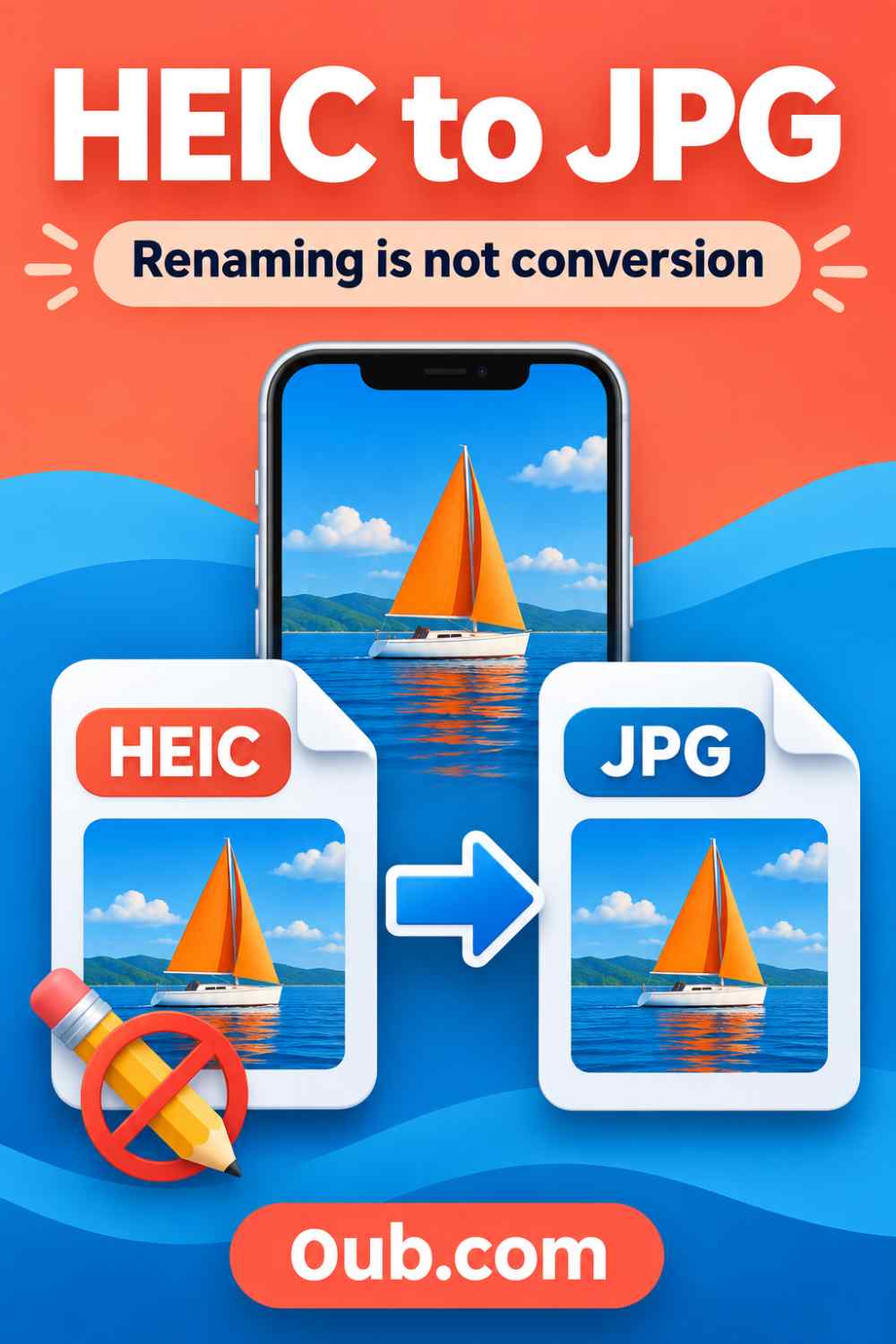
Changing .heic to .jpg only changes a filename. Learn how to make a real JPG sharing copy, verify the download, and keep your original photo intact.
Can you convert HEIC to JPG by renaming the file?
No. Changing a filename from .heic to .jpg does not decode the HEIC image and encode a JPEG. It changes the label attached to the same file contents. A recipient may still be unable to open it, and some applications may report that the file format does not match the extension.
Use an image converter that supports your source file, download its JPG output, and inspect the downloaded copy. The 0UB HEIC to JPG tool performs a still-image conversion in the browser. It does not turn a renamed file into a valid JPG merely because the filename now ends with those letters.
Keep the original before fixing a mislabeled copy
Suppose a supplier asks for a JPG product photograph but your phone export is a HEIC file. Keep the original in its source folder and prepare a separate sharing copy. If you have already renamed a duplicate, return to the known original rather than repeatedly changing extensions until a viewer accepts the name.
Do not guess the true format from a filename alone when the source is uncertain. Use file information in a suitable image application or obtain a fresh export from the source photo library. A file that cannot be decoded may be damaged or unsupported; changing its name does not repair missing image data.
Make one real JPG export first
Open the HEIC to JPG tool and select the original supported image. Start with one representative photograph, choose the available JPG quality setting, convert it and download the result. Basic single-image work is available; multiple-file processing and ZIP downloads require the relevant signed-in Pro access.
Open the downloaded JPG in a normal image viewer. Check that it shows the expected photograph, that its orientation is correct, and that important labels or fine details remain useful. A successful download is one step in the handoff; it is still worth checking the image that the recipient will receive.
Verify the destination and keep the source
Check the destination requirements separately: supported format, pixel dimensions and file-size limit are different conditions. A valid JPG can still be too large for a form or unsuitable for a particular crop. If another size is needed, work from the original rather than repeatedly resizing earlier sharing copies.
A JPG output is a still image and should not be treated as a complete archive of Live Photo motion or original metadata. Keep the source photo and send the approved JPG copy. Use a clear filename and inspect the receiving application preview when possible, especially if it processes or resizes images after upload.
Related guides
- HEIC to JPG: a simple photo sharing checklist
- HEIC to JPG: what happens to a Live Photo's motion?
- HEIC to JPG: check small text and fine details before sharing
Prepared with AI assistance and reviewed against documented tool features; no firsthand testing is implied.