Keep a photo sequence understandable after HEIC to JPG conversion
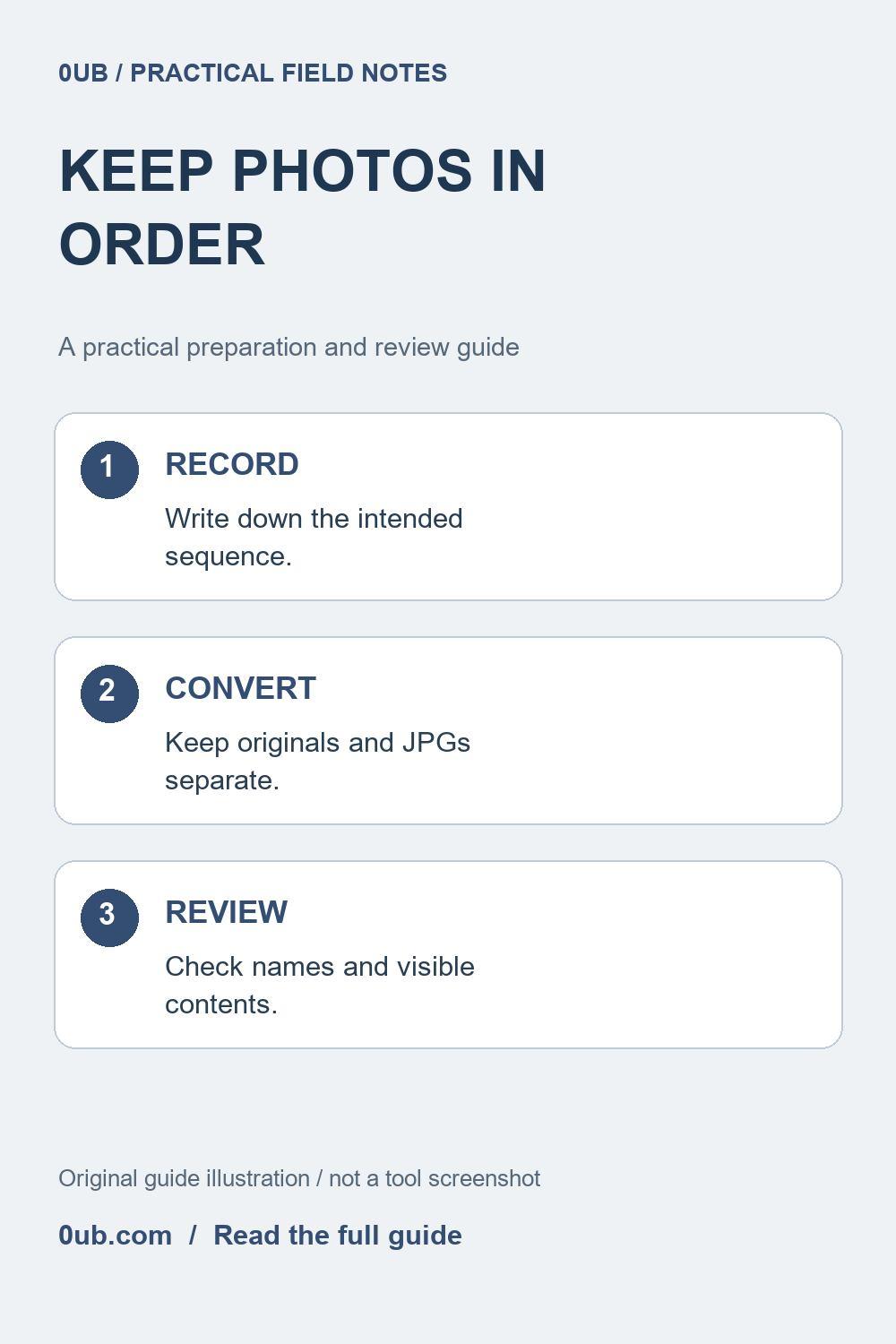
A folder of JPGs may sort differently from your phone library. Keep a simple sequence record, check the converted copies and explain the intended viewing order.
Decide what order the recipient needs
A set of photographs can tell a short story: unpacking an item, assembling a display or recording a repair. Your phone library may show that sequence correctly, but a downloaded folder can use a different sort order. Before converting HEIC files, decide whether the reader needs chronological order, step order or a grouped collection.
Make a short working list that pairs each source filename with its intended position and a plain description. For example, record opening the box, checking the contents and arranging the parts. These are illustrative descriptions, not an automatically generated record. A visual sequence is easier to check when you know what each picture should show.
Keep the source record outside the converted file
Preserve the original HEIC files and their usual backup. The 0UB HEIC to JPG converter creates sharing copies and does not preserve original metadata in the exported JPG. Do not depend on camera timestamps or location fields surviving conversion. A file's modified date can also describe a download or copy rather than the moment the photo was taken.
Keep your sequence list in a separate note or spreadsheet. If the order matters as evidence or as a formal record, a casual conversion workflow alone does not establish authenticity or chronology. Use the original records and an appropriate process for that requirement. This guide is about making an ordinary sharing folder understandable.
Convert and inspect the actual pictures
Start with one representative HEIC photo, download the JPG and compare it with the source. Check orientation and whether the picture contains the detail needed to explain the step. A still-image conversion is not a promise to preserve motion, editing history or every feature of a photo container.
Process the rest within the tool's limits and review any reported failures. Match every successful output to your working list using the picture itself. Similar filenames do not prove that two files show the same moment, and a naming suffix can resolve a collision without indicating a duplicate photo. Keep incomplete sets separate until missing pictures have been handled.
Give the sharing copies a clear sequence
In your file manager, give the reviewed JPG copies an understandable naming pattern, such as 01-open-box.jpg, 02-check-parts.jpg and 03-arrange-parts.jpg. Rename only the working copies and update your list. These example names are a manual organization suggestion, not a separate renaming feature of the HEIC converter.
Sort the final folder by filename and open the pictures in that order. Check that the instructions still make sense, then include a brief note explaining the sequence. If you share a ZIP, extract a copy and review its contents before sending it. A recipient's photo application may choose its own display order, so filenames and a short written guide are more helpful than assuming every viewer will reproduce your phone library.
Related guides
- Prepare HEIC photos for email without losing your originals
- Why image export names change: check duplicates before sharing
- Before you share an image ZIP: a practical handoff checklist
Prepared with AI assistance and reviewed against documented tool features; no firsthand testing is implied.