Check square, portrait and landscape product graphics before sharing
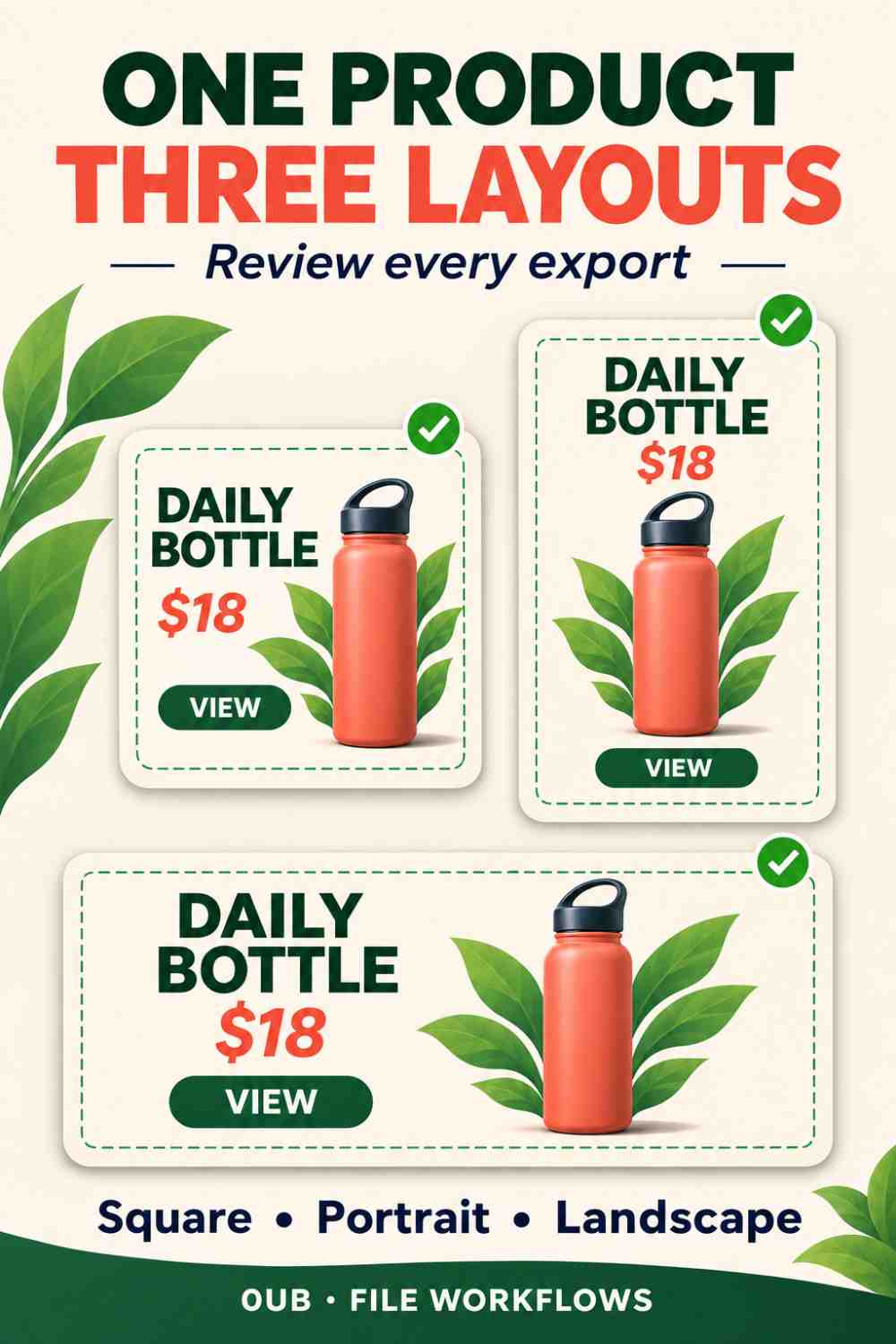
Review each product graphic as its own layout. Check product framing, headline wrapping, prices and calls to action across square, portrait and landscape exports.
Why should you review every exported layout?
A product graphic that works as a portrait can need different spacing when it becomes square or landscape. Review every downloaded format as its own composition: the product should remain recognizable, the headline readable and the offer consistent. One approved preview is not sufficient evidence that the entire export set is ready to share.
The 0UB product graphics studio offers preset layouts for a portrait, a square and a landscape canvas. These are working formats supplied by the tool, not a promise of compliance with every social platform's current placement rules. Check the actual destination before deciding which exported size to use.
Start with one product and a clear message
Imagine a reusable water bottle promoted with a short headline, a price and a call to action. Choose a photograph that shows the full shape and enough space around its edges. Keep the key wording short enough to remain understandable in a wider, shallower composition as well as a taller one.
Record the intended product variant and offer before exporting. The same bottle color, price and conditions should appear across the set. If one image uses a different variant or an outdated offer, a polished layout does not make the message correct. Synthetic prices or products in an illustration are examples, not offers for sale on 0UB.
Check framing and text in each shape
Open the portrait export and inspect the product from top to bottom. Then review the square and landscape versions. Look for a clipped cap, handle or base, and check whether the chosen photo fit or crop treatment still gives the product enough room. A center crop can remove parts that were visible in the original.
Read the headline, price, supporting line and action text in every version. Check line wrapping, collisions and distance from the canvas edge. Review the actual downloaded files, because a preview at one aspect ratio cannot show every layout decision made in another format.
Review at the size a reader will see
A large desktop view can make small wording look acceptable even when it is difficult to read on a phone. Inspect each file at a realistic display size and confirm that the main message remains clear without zooming. Shorten secondary copy or simplify the composition if essential information becomes too small.
Image text is not a replacement for an accompanying description. Put the product name, offer and essential conditions in the surrounding post or page text as appropriate. Add an accurate image description where the publishing destination supports it, instead of stuffing unrelated search terms into the graphic.
Keep a consistent approved export set
Use filenames that identify the product and format, such as bottle-coral-square and bottle-coral-landscape. Keep the approved exports together and separate them from earlier drafts. A contact sheet can help compare the visual set, but open individual files when checking small text or fine edges.
Before a multi-size ZIP or CSV workflow, review one complete product set first and confirm the relevant Pro access for advanced features. Repeat the check when a product photo or headline changes. A reliable handoff is a set in which every layout has passed the same content and readability checks, rather than simply three differently shaped files.
Related guides
- Make product graphics in three sizes from a CSV
- Leave safe margins around text in product graphics
- Match each product variant photo to its promotional copy
- Review a set of product graphics with a simple contact sheet
Prepared with AI assistance and reviewed against documented tool features; no firsthand testing is implied.