Why Product Photos Change Color After Upload and How to Export in sRGB
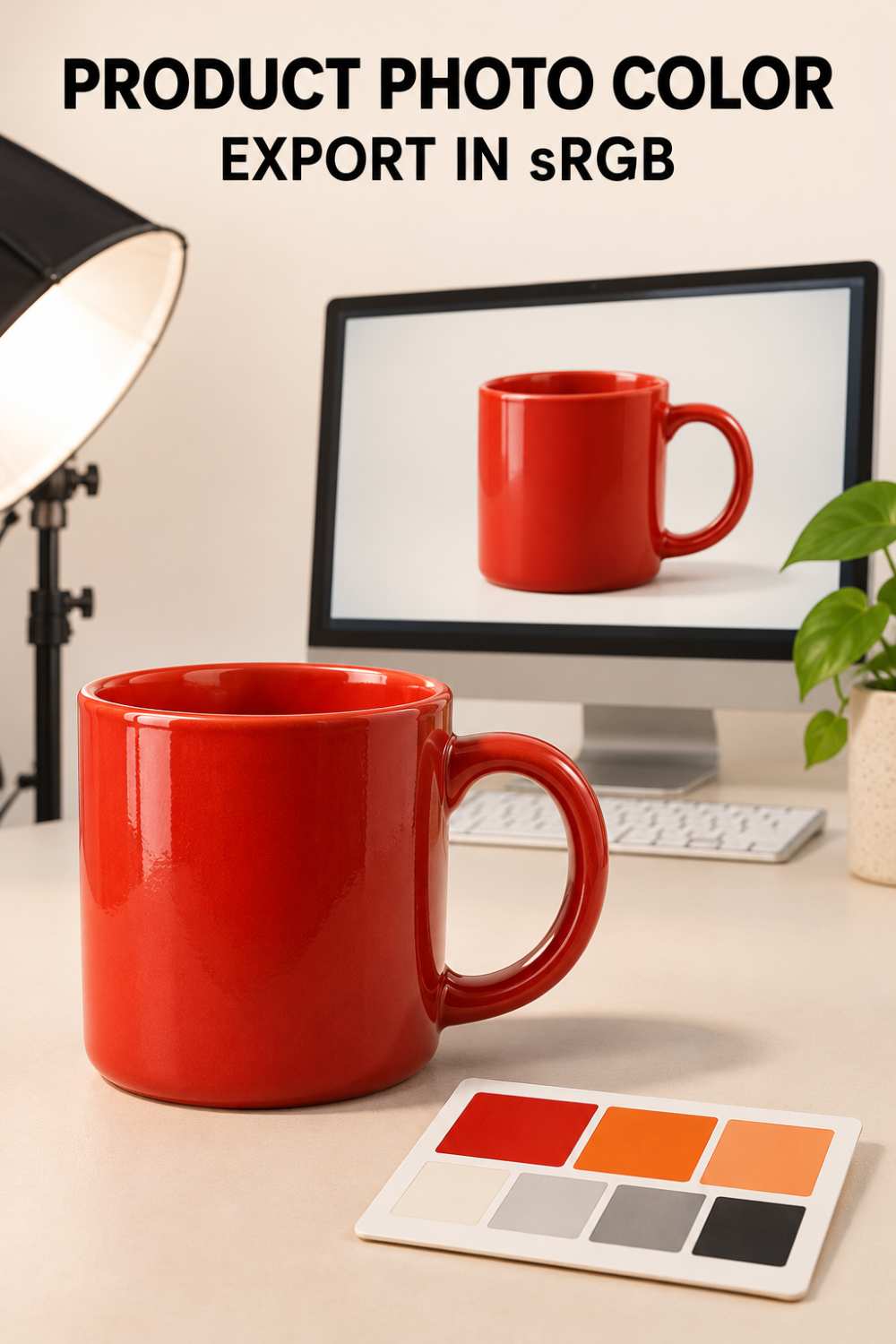
Troubleshoot dull or oversaturated product photos after upload. Convert a copy to sRGB, embed its profile if supported and compare the listing with your export.
Why does a product photo look different after upload?
A listing image can look duller or more saturated when its color profile is interpreted differently, when the platform processes the file, or when the screen settings differ. Start with one export converted to sRGB. Compare it with the uploaded image in the same browser on the same screen to narrow down the cause.
Convert a copy to sRGB in your editor
Keep your editing master and make a web copy. In a color-managed editor, use Convert to Profile or an export setting such as Convert to sRGB. Embed the sRGB profile if the editor offers the option and the destination supports it. Converting recalculates the color values for sRGB. Assigning a different profile changes how the existing values are interpreted.
If the source has no profile and its colors already look wrong, go back to a source that displays correctly in your editor before making a delivery copy. Some very saturated colors may be outside sRGB's range, so inspect the copy after conversion.
Compare the export with the listing
Open the exported file in the browser and put the listing preview next to it at similar sizes. Use one representative photo, such as a bright red mug on a neutral background. Look at the mug's midtones and the background separately. If the browser copy looks right and the listing differs, check what the platform serves before changing the original edit.
Check one image before processing a batch
Once a sample looks right, use the same export settings for related photos and spot-check a light item and a strongly colored item. Keep white balance, lighting and exposure consistent across variants. sRGB gives you a common color space for web delivery, while display calibration and viewing conditions still affect what buyers see.
Related guides
- WebP vs JPG for Product Photos: Which Should You Export?
- How to Write Alt Text for Product Photos and Graphics
- Compare JPG quality with one product photo first
Prepared with AI assistance and reviewed against documented tool features; no firsthand testing is implied.