Why Is My JPG Larger After Converting HEIC?
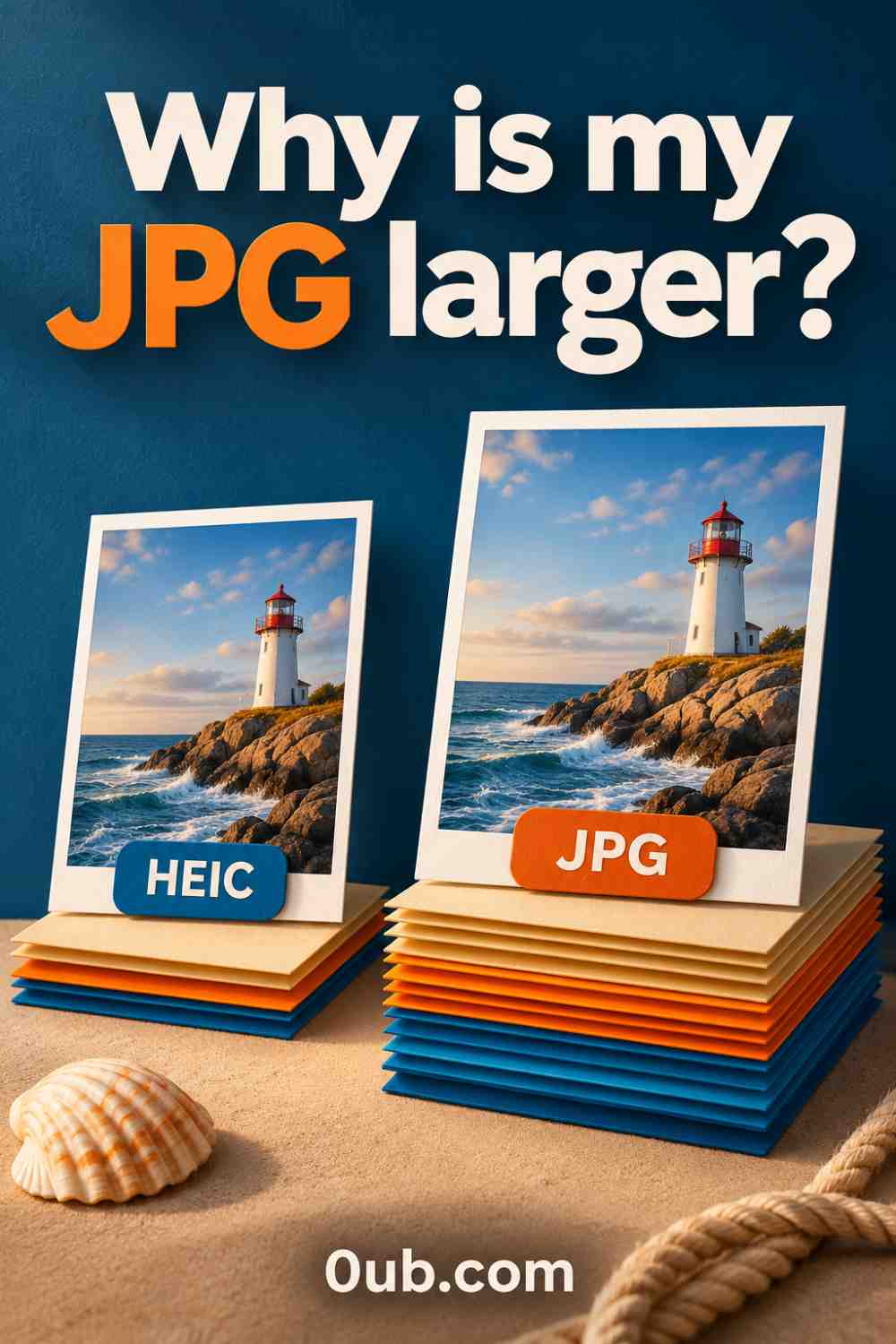
A JPG can be larger than the HEIC original. Compare dimensions, adjust JPEG quality, and verify the smallest readable copy against your upload limit.
Why can a JPG be larger than the original HEIC?
HEIC and JPEG compress images differently. A JPG exported at a high quality setting can take up more space than its HEIC source even when both files have the same pixel dimensions. If you need to fit an upload limit, check the actual downloaded file size and reduce JPEG quality or pixel dimensions as needed.
File size and image dimensions answer different questions. A photo that measures 4,032 × 3,024 pixels can be stored at several different file sizes. File size tells you how many bytes you need to upload. Pixel dimensions describe the width and height of the image.
Check the two files before changing a setting
Open the original HEIC and the downloaded JPG in an image viewer that shows file information. Record the width, height and file size of both. Inspect the JPG at the size the recipient will use. Read any important lettering and look at one area with fine detail, such as leaves or fabric.
Start with a single photo in the 0UB HEIC to JPG tool. If the first download is too large, export another copy from the same HEIC source using a lower quality setting. Give the test copies different names, then compare both their file sizes and the same area of the image.
Example: fitting a 2 MB upload limit
Suppose your original HEIC is 1.4 MB and your first JPG is 2.8 MB. These are illustrative numbers. The HEIC may already fit the size limit but still be unsuitable if the form requires JPG. Export a second JPG with a lower quality setting, then check the exact size reported by the operating system and the upload form.
If the smaller copy blurs a required label, use the batch image studio to make a test copy with fewer pixels, provided the form allows it. Keep the same proportions and check for a minimum width or height before resizing. Download and inspect the final copy before sending it.
Does a higher JPG quality setting recover detail?
A higher quality setting can preserve more of what is visible in the source. It cannot recreate details missing from the original photo. Keep the HEIC as your reference, especially if you may need to prepare another size later. For a set of images, test a detailed photo as well as a simple one, because identical export settings can produce different file sizes.
Related guides
- HEIC to JPG: why renaming the extension does not convert a photo
- HEIC to JPG: check small text and fine details before sharing
- Pixels are not megabytes: prepare images for an upload limit
Prepared with AI assistance and reviewed against documented tool features; no firsthand testing is implied.