HEIC to JPG.
Word to PDF.
Images, ready.
Convert iPhone photos to JPG, turn simple DOCX files into PDF, and prepare product images in your browser.
Start with free basic processing. Tools Pro unlocks advanced features. Digital downloads are purchased separately.
Convert a photo. Check the result. Share the copy.
What can you do with 0UB?
0UB provides browser-based file tools for photo conversion, simple document sharing and product graphics. Choose a tool for your task, keep your originals, and review the downloaded result. The digital download shop also offers editable project templates, speaking practice resources and a weekly planner.
File converters and product image tools
All tools ↗HEIC to JPG converter
Convert HEIC and HEIF photos into easy-to-share JPG files. Adjust JPG quality and check the downloaded image.
Single-image conversion is free. Multiple images and ZIP downloads require Pro.Convert HEIC to JPG ↗ DOCXWord to PDF converter
Turn a simple DOCX document into an A4 or Letter PDF. Review page breaks, images and the final page before sharing.
Basic DOCX conversion is free. Exact Word layout and selectable PDF text are not guaranteed.Convert DOCX to PDF ↗ IMAGEBatch image converter & resizer
Convert image formats, choose crop or padding, and prepare consistent product image sizes and filenames.
Start with one image free. Multiple-image processing and ZIP downloads require Pro.Convert and resize images ↗ CREATEProduct graphics maker
Add a headline, price and brand to your product photo. Review portrait, square and landscape layouts.
A single PNG export is free. Multi-size ZIP and CSV batch workflows require Pro.Create product graphics ↗A simple file workflow, from start to download
Choose your tool and source
Open the converter or graphics tool that matches your task. Keep an unchanged copy of the original file.
Set up one useful sample
Choose the available quality, size or layout settings. Check one representative file before a larger workflow.
Download and review
Open the actual output and check readability, framing and filenames. Use the related guides if something needs attention.
Practical guides for better conversion results
Browse all guides ↗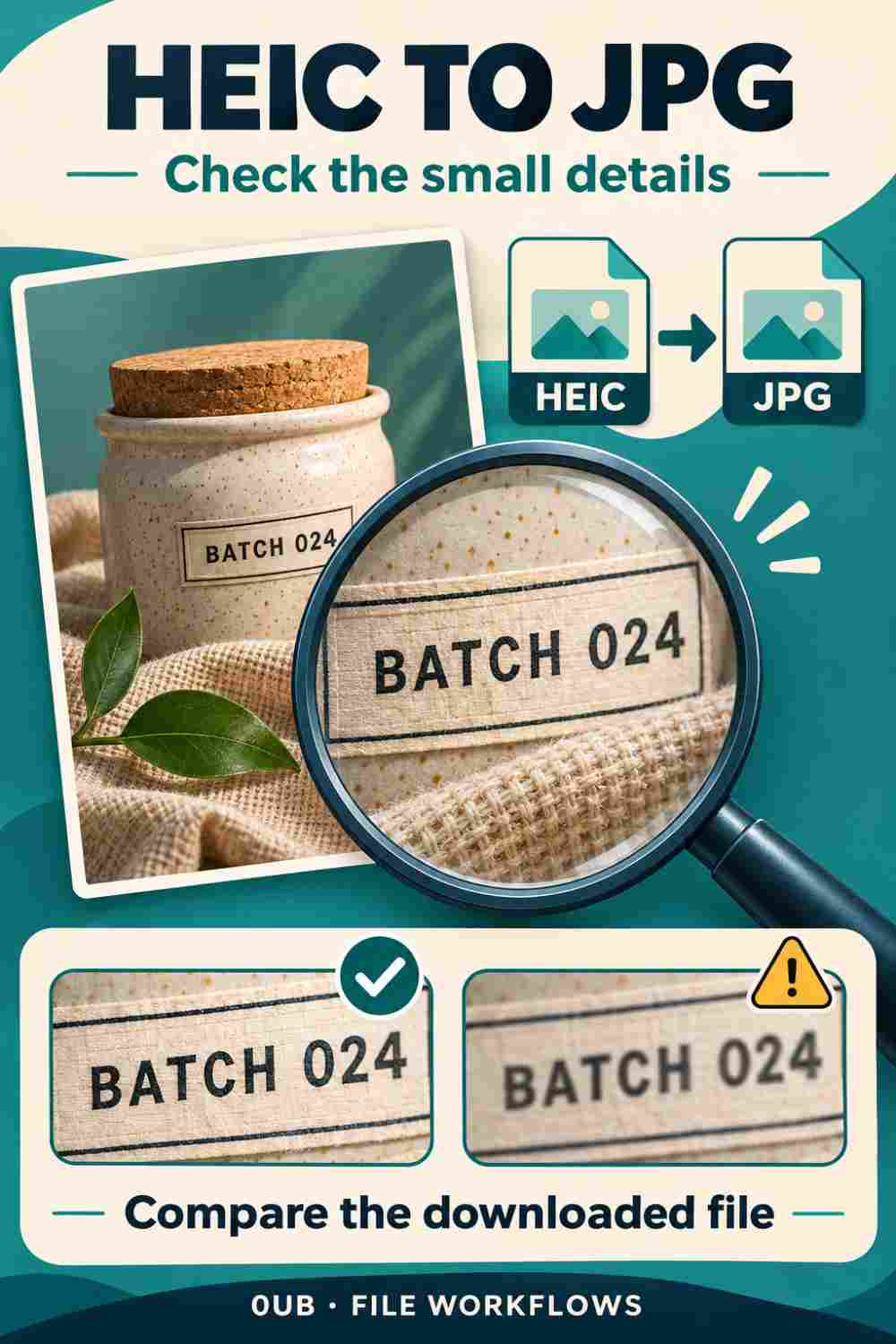
Check small text after HEIC to JPG conversion
Compare labels, edges and fine texture in the downloaded photo.
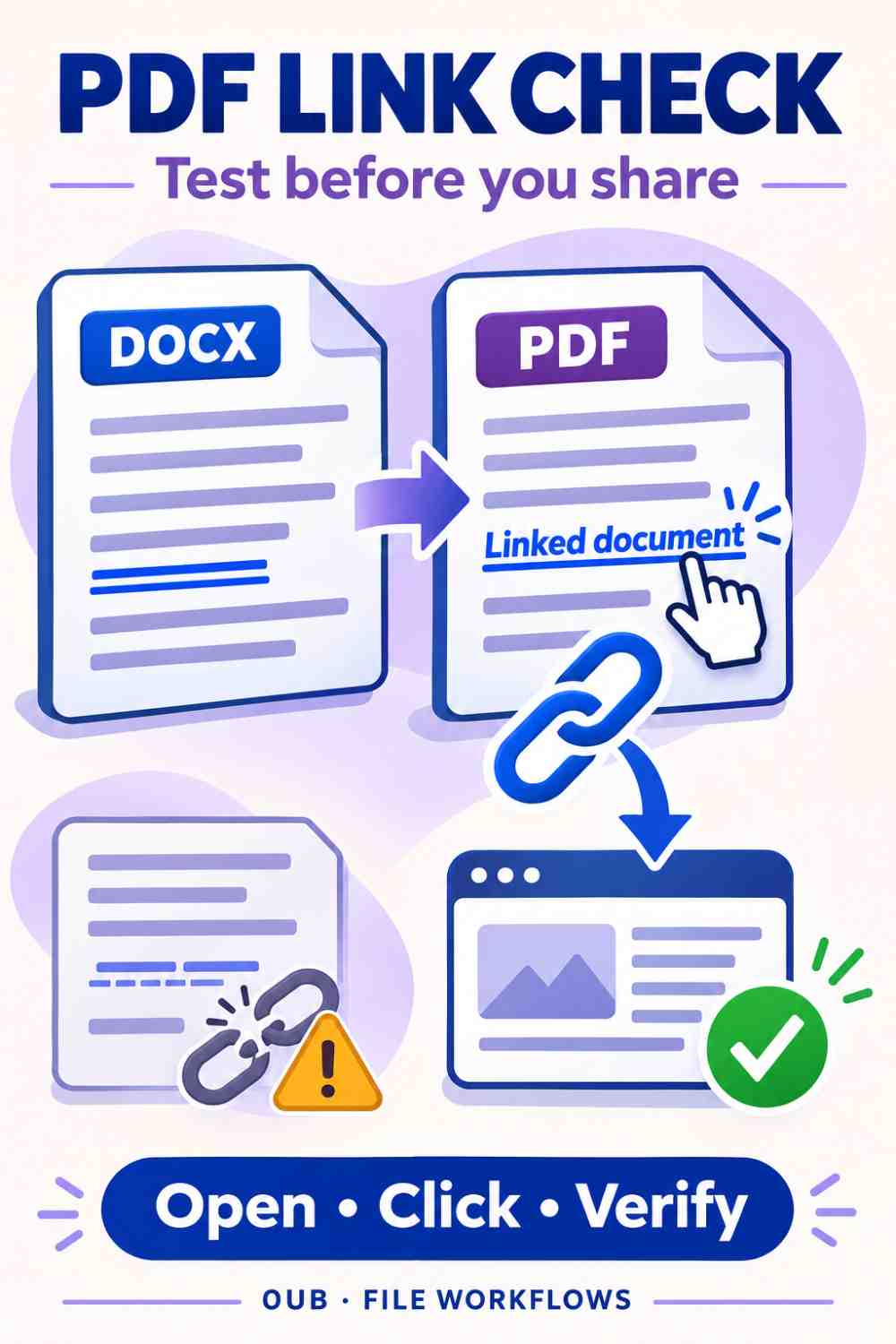
Check PDF links before sharing
Verify that intended links work and open the right destination.
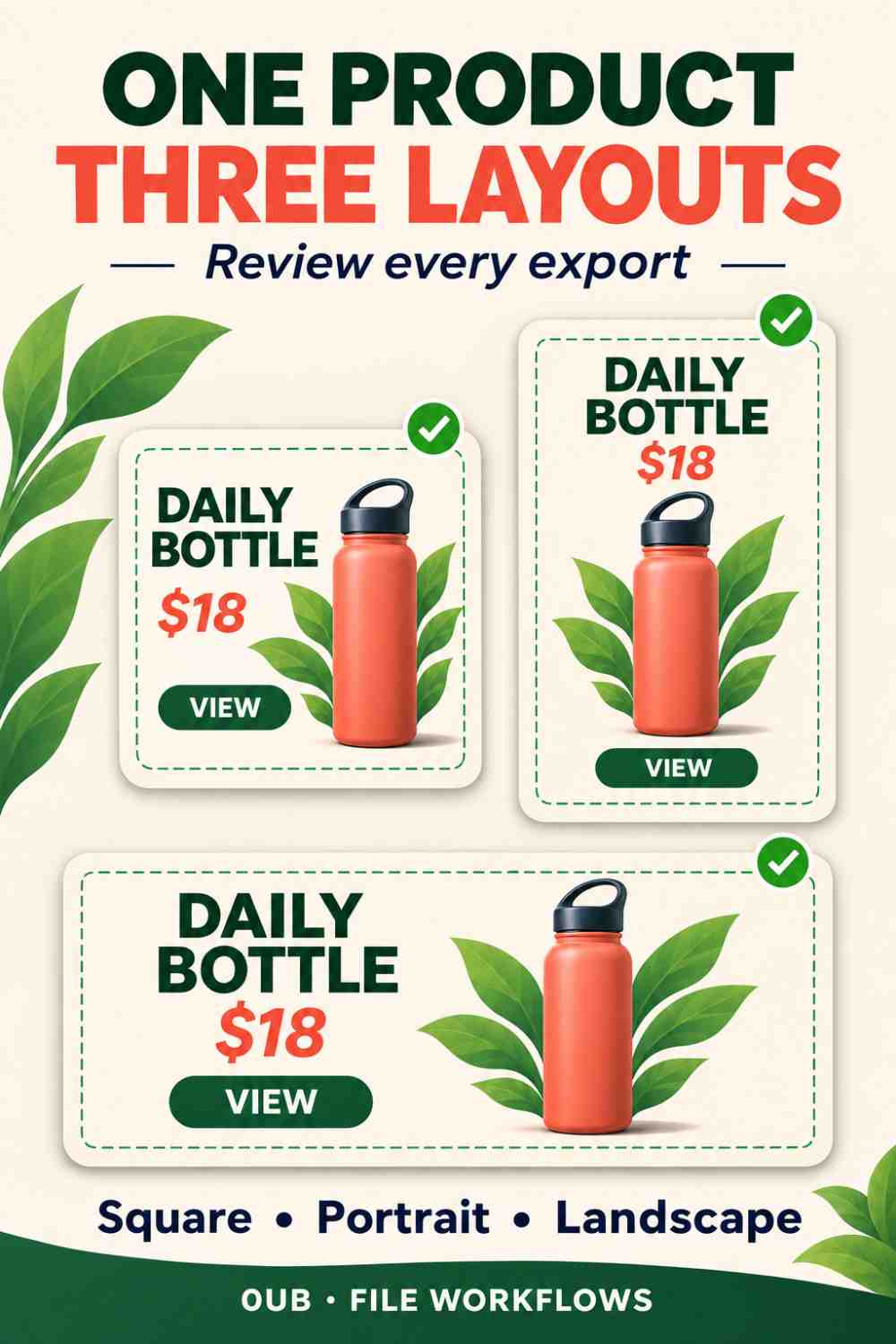
Review every product graphic layout
Check product framing and wording in each exported shape.
Digital downloads for work and everyday practice
Explore the shop ↗Take a closer look at the files, format and license on each product page before buying. Digital downloads are separate from Tools Pro.
Project Starter Toolkit
Seven editable CSV templates, completed examples and a practical HTML handbook.
View toolkit and free sample ↗ SPEAK14-Day Speaking Practice Kit
Speaking tasks, reflection worksheets and a CSV log for a structured practice routine.
View speaking practice kit ↗ PLAN7-Day Reflection & Action Planner
A printable weekly planner, an editable task tracker and a guide for a practical planning routine.
View the weekly planner ↗Already purchased? Find your files in My downloads. Review the digital purchase terms for delivery and license details.
Choose the access that fits your task
Free basic tools
Try single-image conversion, simple DOCX to PDF conversion and individual product graphic export. Check each tool's supported files and limits.
Start with a file tool ↗Tools Pro
Sign in to use advanced features such as multiple-image processing, ZIP downloads and CSV graphics workflows. Review current passes on the account page.
View Pro passes and payment options ↗Separate digital purchases
Buy a resource through its existing product checkout. Product pages explain the included files, license and delivery. A Tools Pro pass does not include shop downloads.
Browse digital products ↗Questions about 0UB tools and downloads
Can I convert HEIC to JPG without uploading my photos?
Yes. The 0UB HEIC to JPG converter processes selected photos in your browser rather than uploading their contents to our server. Keep your original HEIC files and review the JPG copies. Account access and purchases are separate online services.
Is HEIC to JPG conversion free?
Single-image basic conversion is free. Multiple-image conversion and ZIP downloads require a signed-in Pro entitlement. The account page shows current passes and availability.
Does Word to PDF preserve the exact Word layout?
The tool reflows simple DOCX content into a PDF, so fonts, page breaks and other formatting can change. Searchable text and accessibility structure are not guaranteed. See the DOCX to PDF review guide before sharing important documents.
Are digital products included in Tools Pro?
No. Tools Pro covers the tool features described on the account page. Digital products have separate purchases, file descriptions and licenses. Previously purchased files are available through My downloads.
Follow the illustrated file guides
Photo conversion, document checks and product graphics workflows, with useful links back to the tools.